




Flip Speaker Audio with Pipewire on Linux
A few weeks ago, I fixed a problem where my computer speakers were getting electrical interference by switching to an optical audio cable. However, while doing some development work with WebAudio today, I noticed that the Room of Metal demo was playing in reverse. When I moved the speaker to the right, it sounded like it had moved to the left instead. This was confirmed with an audio test in KDE's System Settings → Sound → Test window.
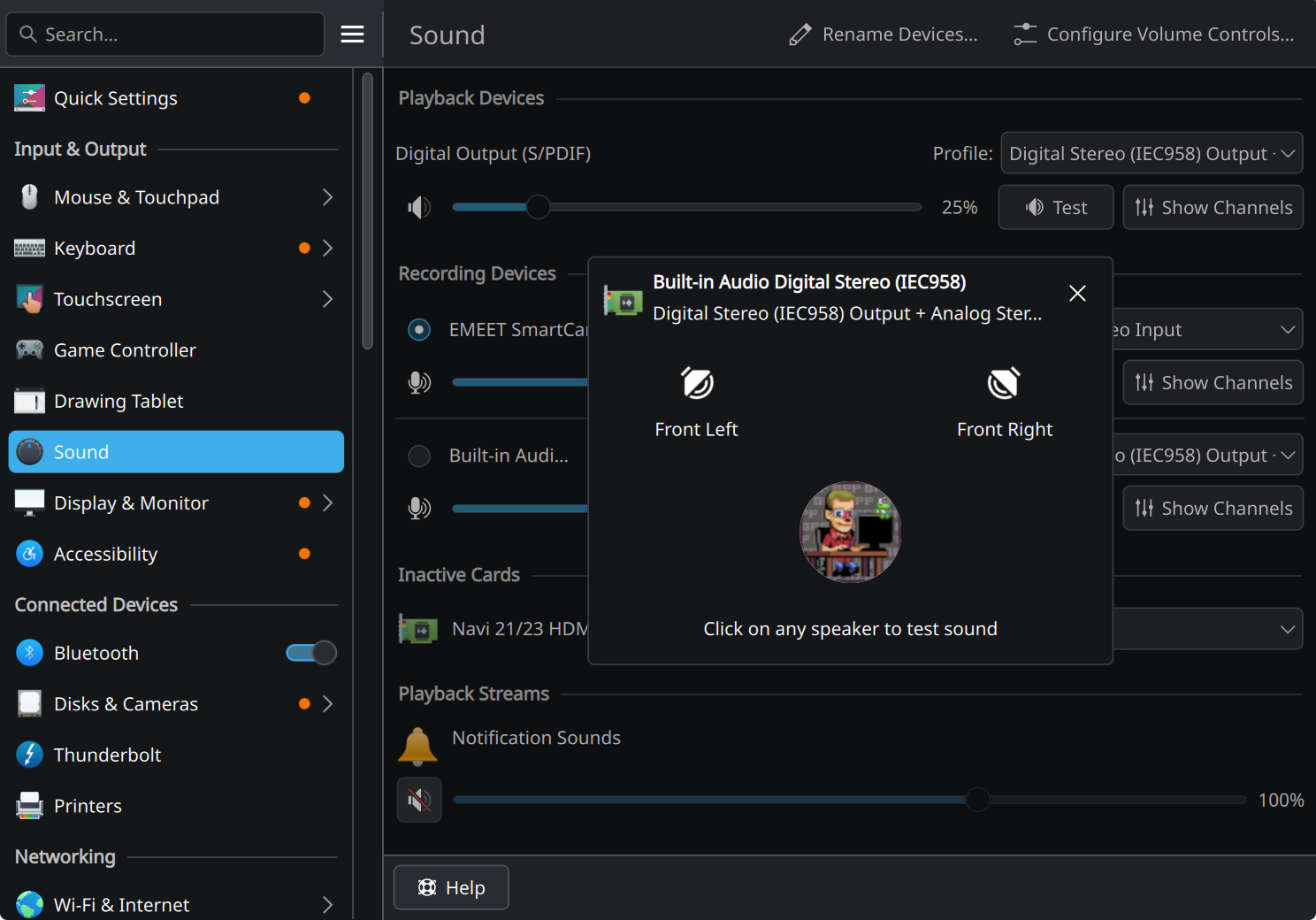
Since there's no "swap channels" option in the UI, I had to go on a bit of a search to do it the hard way and manually create a configuration file.
I'm not a huge audio person, so I'm going to list out the concepts we're going to have to deal with here:
- Channels: Each speaker is said to output one channel of audio, left and right. Although I have a subwoofer here which seems to pull off of both my left and right channels so I don't know how that works. I guess it's just synthesizing the third channel in the reciever somewhere. We want to swap our left and right channels today.
- Linux Audio System: The part of your operating system which makes it so that sounds get from your program to your computer's audio output. This is what we need to poke to fix the issue we're having. The Linux audio system is usually PipeWire these days, but previously you could have been running PulseAudio or JACK. You can verify you're running PipeWire by running
wpctl status, it'll say "PipeWire" on the first line. - Devices: Physical things that concern audio, like headphones, webcams, or an ⅛" audio output. Run
wpctl statusto see everything you have. - Sinks: Devices which can play back audio. Like pouring water from a pipe into your kitchen sink to make a sound?
- Sources: The opposite of a sink, devices which can record audio. Not relevant to us now since we only care about playback, so ignore these.
- Streams: Programs playing audio, or programs which could play audio, even if they're silent right now.
- wireplumber: A system service which sets up Pipewire, which we'll use to fix our speakers.
After some searching around the web, it seems like there's a fairly easy way to do this. We'll need to find the "node name" of our speakers, then put a configuration file on disk somewhere to swap their channels. Run wpctl status and look for the your speakers under the Audio Sinks category. Note the leading device number - in my case, 66.
				├─ Sinks:
				│  *   54. Bose AE2 SoundLink                     [vol: 0.43]
				│      66. Built-in Audio Digital Stereo (IEC958) [vol: 0.25]
To get the node name, we can take this device number and substitute it in wpctl inspect 66 | grep -e "^" -e "node.name". Node name is near the bottom. For me, it was:
* node.name = "alsa_output.pci-0000_00_1f.3.iec958-stereo"
Now, we'll add the configuration file with the "swap channels" rule for our speakers, based on this Arch Linux BBS post. In ~/.config/wireplumber/main.lua.d/50-swap-channels.lua, create with your node name:
					table.insert(alsa_monitor.rules, {
					  matches = {
					    {
					      { "node.name", "matches", "alsa_output.pci-0000_00_1f.3.iec958-stereo" },
					    },
					  },
					  apply_properties = {
					    ["audio.position"] = "FR,FL",
					  },
					})
This matches specifically our speakers and reverses the channels of them. Hope that helps!